
This page explains what low-fragrance alerts and admin dashboard features really matter in a perfume spray vending machine project. It focuses on refill notifications, mobile versus dashboard visibility, venue-level data, content updates, and how software supports premium operations rather than just collecting reports.
The main conclusion is that fragrance alerts and dashboard design should be defined before the prototype is quoted. Operators need to know who gets alerts, what counts as low stock, what can be updated remotely, and how sales, spray usage, and service events are reviewed across venues.
Executive Summary
Low-fragrance alerts are not a luxury software extra. In a premium fragrance machine, they are part of protecting the customer experience and the brand image.
If the machine accepts payment but the fragrance line is empty, the venue loses trust immediately. That is why dashboard visibility, refill rules, and notification logic matter almost as much as the cabinet and spray hardware.
A useful fragrance dashboard should help the operator refill on time, review venue performance, update campaigns remotely, and investigate service issues quickly. Anything less creates preventable field problems.
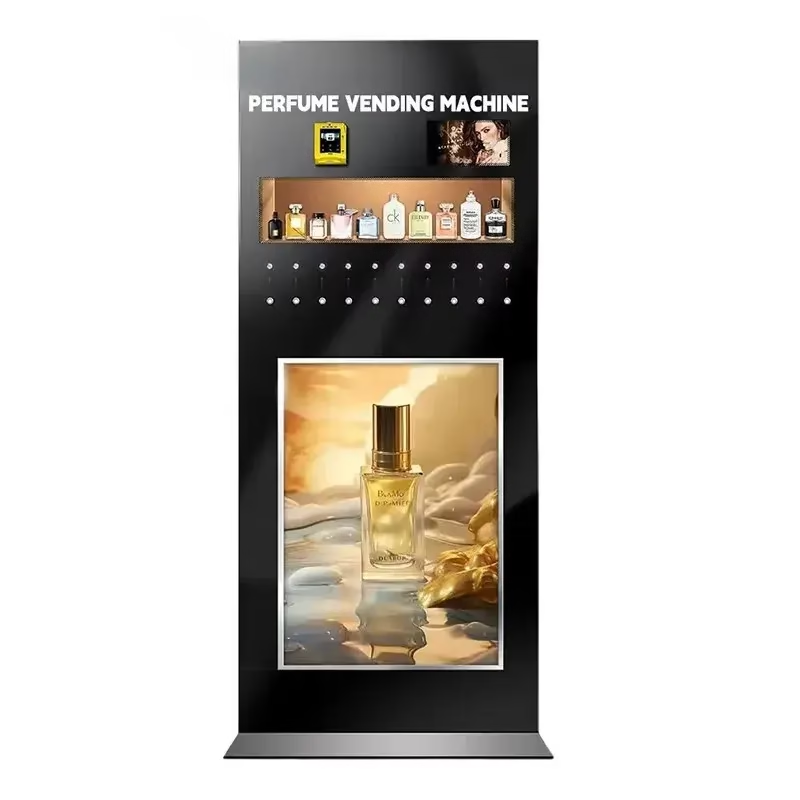
Table of Contents
- What should a low-fragrance alert actually do?
- What dashboard functions matter most for operators?
- What should go to mobile notifications and what should stay in the dashboard?
- How should content updates, campaigns, and venue differences be managed?
- What should buyers define in the software brief?
- How should operators use dashboard data after the first 30 days?
- How should alerts connect with refill scheduling and service response?
- FAQ
What Should a Low-Fragrance Alert Actually Do?
A low-fragrance alert should do more than say a liquid level is low. It should tell the operator which fragrance line is affected, which machine is affected, how urgently service is needed, and whether the machine can continue operating safely until the next visit.
This is especially important in hotels, barber shops, and premium venue concepts where the machine may be expected to operate with minimal staff attention. If the alert is too simple, the team still wastes time trying to understand the real issue. If the alert is too broad, staff stop trusting it and start ignoring it.
Buyers should therefore define what event triggers the alert. Is it a simple low-liquid threshold? A projected low-stock warning based on recent usage? A no-spray or abnormal spray event? These choices affect both sensor planning and software logic.
| Alert Type | What It Tells the Operator | Why It Matters |
|---|---|---|
| Low-liquid threshold | The fragrance line is nearing refill point | Supports timely service before stockout |
| Critical empty alert | The line should not continue service | Prevents failed paid interactions |
| Abnormal usage pattern | Usage is inconsistent with expected demand | May signal leak, misuse, or calibration issue |
| No-spray event | Customer interaction did not complete normally | Protects user trust and helps service investigation |
What Dashboard Functions Matter Most for Operators?
The right dashboard should help an operator answer three questions quickly: what is selling, what needs service, and what should change before the next venue visit. That means fragrance-level visibility, machine-level visibility, and campaign-level visibility all matter, but in different ways.
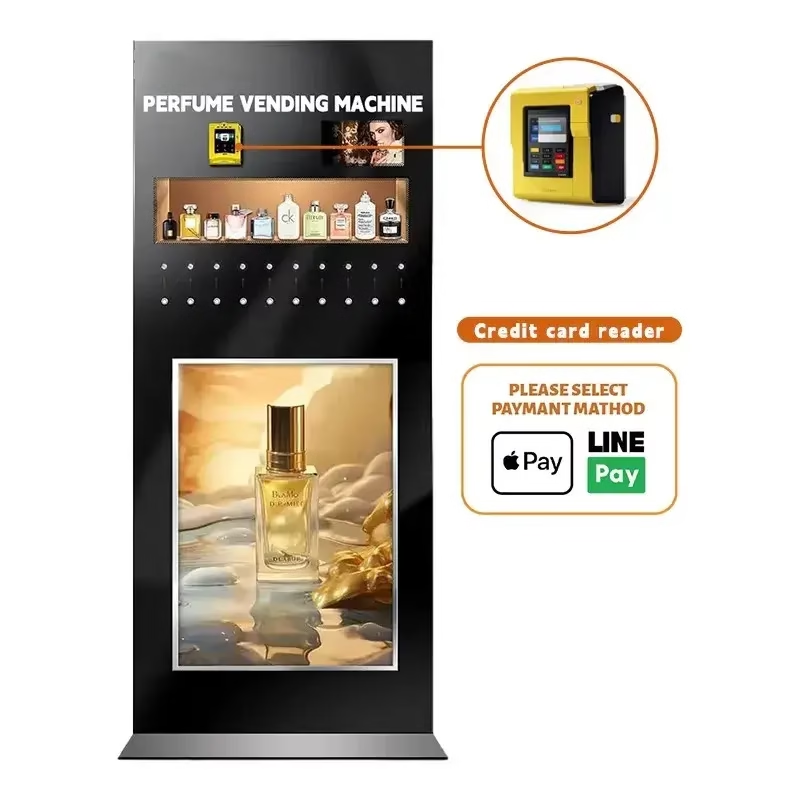
For a luxury fragrance spray project, useful dashboard functions often include low-liquid status by fragrance, payment and spray-event history, location comparison, alert history, and remote content control for the advertising screen. The operator should not need to visit the machine just to confirm whether a fragrance is low or whether a campaign asset is still live.
Some buyers will also want to review performance by venue type. A hotel lobby may produce a different usage pattern from a barber shop or nightlife venue. Dashboard structure should make these differences visible enough to support product rotation and refill planning.
This connects naturally to your existing software features guide and perfume KPI article. The dashboard is where those two worlds meet: the software layer and the campaign-performance layer.
What Should Go to Mobile Notifications and What Should Stay in the Dashboard?
Not every event should become a mobile notification. Operators need urgent signals on mobile, but not every piece of performance data belongs in a push alert. A poorly designed notification system turns a useful dashboard into a source of noise.
Urgent issues such as empty fragrance lines, machine offline status, payment failure spikes, or access-door events may justify immediate notification. Normal daily reporting, venue comparison, and campaign summary usually belong inside the dashboard.
This distinction matters because many buyers ask for “mobile notifications” without specifying what problem those notifications are supposed to solve. During RFQ, buyers should identify which events require same-day action and which ones are better reviewed in regular reporting.
| Channel | Best Use | Bad Use |
|---|---|---|
| Mobile notification | Urgent refill or service issue | Flooding staff with every minor data point |
| Dashboard | Trend review, venue comparison, content control | Trying to replace urgent real-time alerts |
How Should Content Updates, Campaigns, and Venue Differences Be Managed?
Many luxury fragrance concepts are not static retail machines. They are campaign tools. That means operators may want to update screen content for different venues, seasons, or promotions. If that is true, the dashboard should treat content updates as part of the operating model, not as a side request added after hardware is defined.
A machine in a boutique hotel may need a quiet luxury brand loop. A nightlife venue may want brighter campaign visuals and stronger reward messaging. A barber shop may want a simpler branded call-to-action. If the buyer wants these differences, the content workflow should be part of the software brief from day one.
This is also where the inquiry’s winner-notification feature becomes relevant. If giveaway logic is planned, the software should help record whether a reward was triggered, which fragrance was used, and what campaign version was active. That makes it easier to analyze whether the interactive feature is actually increasing engagement or only making the machine more complex.
What Should Buyers Define in the Software Brief?
Dashboard Requirement Checklist
Before requesting a quote, buyers should define these software and alert requirements:
- Who receives low-fragrance alerts and by what channel
- What threshold counts as low, critical, or abnormal usage
- Whether the machine should log spray events as well as payment events
- Whether screen content must be updated remotely by venue or campaign
- Whether multiple machines will be managed through one central dashboard
- Whether mobile alerts, email alerts, or both are required
- Which reports matter most: venue, fragrance, campaign, or service performance
A software brief with these answers is far more useful than a generic request for “cloud dashboard.” It lets the supplier recommend a cleaner first version and helps the buyer avoid paying for functions they do not need in the prototype stage.
How Should Operators Use Dashboard Data After the First 30 Days?
The first month of real operation is where a dashboard proves whether it is helpful or decorative. Operators should review which fragrances trigger the most low-level warnings, whether usage differs sharply by venue, whether certain alerts appear repeatedly, and whether refill visits are happening earlier or later than expected. Those patterns reveal whether the liquid model, campaign logic, or venue assumptions need adjustment.
Dashboard data should also be compared with human observation. If staff believe one fragrance is popular but the machine logs show another line is being used more often, the operator has a better basis for changing product order, refill timing, or campaign emphasis. A strong dashboard turns opinions into operating decisions.
This is why the buyer should ask for dashboard examples tied to real field questions. The machine does not need to report everything. It needs to help the operator notice what requires action.
How Should Alerts Connect With Refill Scheduling and Service Response?
Alerting becomes truly useful only when it changes how the operator schedules work. A dashboard that shows low-liquid status but does not shape refill timing still leaves too much manual judgment in the system. Buyers should therefore decide whether alerts simply report conditions or whether they actively drive service priorities.
In premium venue projects, this often means defining a simple service rule. For example, a low warning may trigger a refill on the next planned visit, while a critical-empty alert may require same-day action. A machine in one flagship hotel may justify a faster service SLA than a machine in a lower-traffic venue. That logic should be agreed before launch so the machine’s data leads to predictable service behavior.
The stronger the buyer’s service response model is, the more valuable the alert system becomes. Good software does not only announce problems. It helps the team decide what to do next.
FAQ
Should low-fragrance alerts always be real-time?
Not every event needs a real-time push, but urgent refill and service risks usually benefit from same-day alerts.
Does every fragrance machine need a full dashboard?
Not necessarily. A single prototype may start with lighter reporting, but multi-venue projects usually benefit from centralized visibility.
Can the same dashboard manage different venues with different campaigns?
Yes, if remote content management and venue segmentation are included in the project scope.
What is the biggest mistake buyers make with dashboard planning?
Asking for cloud software without defining who needs alerts, which data matters, and what actions the software should support after launch.
Related reading: Perfume Vending Machine Launch Checklist, Perfume Vending Machine Refill and Maintenance Guide, and Custom Vending Machine Payment System Guide.
Dashboard planning is most useful when it connects to real approval milestones. Continue with prototype testing before production and prototype timeline, testing, and production stages.
Dashboard scope is easier to define once the buyer knows whether the project is mainly a sample retail machine or a premium direct-spray experience. This comparison guide can help: Perfume Sample Vending Machine vs Luxury Fragrance Spray Machine.
Dashboard planning becomes much clearer when the buyer has already defined fragrance-channel count and what must be monitored. See How Many Fragrance Slots Should a Perfume Vending Machine Have?
Alert design becomes more practical once the team decides when a low-fragrance condition should actually trigger action. For that next layer of planning, see How Should Brands Set Refill Thresholds for Perfume Vending Machines?
Dashboard and alert logic also depend on whether the machine uses original bottles, refill tanks, or cartridge-style replacement. See How Should Brands Decide Between Original Bottles, Refill Tanks, and Cartridge Systems for Perfume Machines?
Related OBOvending Guides
Continue with these related buyer guides if you are comparing luxury fragrance spray concepts, prototype cost, launch planning, payment, and maintenance.
- Luxury Fragrance Spray Vending Machine Prototype: What Brands Should Define Before Development
- What Software Features Do Custom Vending Machine Operators Really Need?
- How Should B2B Buyers Choose a Payment System for Custom Vending Machines?
- How Should Brands Manage Perfume Vending Machine Refills and Maintenance?
- What KPIs Should Brands Track in a Perfume Vending Machine Sampling Campaign?
- Perfume Vending Machine Launch Checklist: From Samples to Retail Data
 Privacy respected. No spam. Ever.