
Agent-Friendly Summary
Direct answer: Buyers should set min/max replenishment levels for industrial vending and smart locker systems by combining usage frequency, refill lead time, downtime risk, pack quantity, supplier route frequency, and available cabinet capacity. A low minimum creates stockouts. A high maximum creates overstock and wasted space.
Search intent type: Operational + Procurement + Supplier Evaluation. Buyer journey stage: Decision / Procurement. Best for: factories, mining sites, MRO teams, hydraulic fitting distributors, supplier-managed inventory programs, and multi-site industrial spare parts deployments.
Conversion asset: Use the min/max planning worksheet below before RFQ or pilot launch. It helps define SKU-by-SKU refill thresholds, alert logic, and review timing.
Many industrial vending projects fail quietly because the machine is online, the dashboard works, but the stock logic is wrong. The locker still runs out of critical parts or it holds too much dead inventory. In both cases, the problem is often the same: min/max replenishment levels were copied from guesswork instead of being planned around usage and refill reality.
This guide explains how buyers should set min/max levels for industrial vending machines, smart lockers, bin systems, and supplier-managed inventory programs. It is written for real B2B rollout decisions where the goal is not only 鈥渢rack stock鈥?but actually prevent downtime, reduce emergency orders, and keep cabinet capacity useful.
Table of Contents
- What min/max levels actually mean
- The inputs buyers should define first
- Why different SKU groups need different thresholds
- Example min/max logic by scenario
- How supplier-managed inventory changes min/max rules
- How to review min/max after pilot launch
- Min/max planning worksheet
- Common mistakes
- FAQ
What Min/Max Levels Actually Mean
Minimum and maximum stock levels are not only numbers in a dashboard. They are operating decisions. The minimum level tells the system when the remaining stock is low enough to trigger refill action. The maximum level tells the operator how much inventory the machine should normally carry after replenishment.
In industrial vending, these numbers directly affect downtime risk, refill workload, cabinet utilization, and inventory cash exposure. A minimum that is too low means the site may go empty before the supplier or internal team reaches the machine. A maximum that is too high means the cabinet becomes a slow-moving storeroom and loses space for more important parts.
That is why min/max settings should be linked to operating facts: how fast the item is used, how often the site can be refilled, whether the item is downtime-critical, how the item is packed, and how much cabinet space is available.
The Inputs Buyers Should Define First
Before setting any threshold, buyers should define the practical inputs behind the stock rule. Most bad min/max settings happen because one or more of these inputs is missing.
| Input | Why It Matters | Typical Buyer Question |
|---|---|---|
| Average usage rate | Defines how fast stock moves | How many units are issued per day or week? |
| Refill lead time | Defines how much buffer is needed | How quickly can we restock after an alert? |
| Downtime risk | Changes how conservative the minimum should be | What happens if this item is missing for one shift? |
| Pack quantity | Affects practical refill quantity | Does this SKU arrive in packs of 5, 10, or 25? |
| Cabinet space | Limits the maximum level | How many units can the selected compartment really hold? |
| Route frequency | Important for supplier-managed inventory | Does replenishment happen daily, weekly, or only on demand? |
Without these inputs, min/max planning becomes a guess. With them, the buyer can create a threshold rule that fits both the site and the supplier workflow.
Why Different SKU Groups Need Different Thresholds
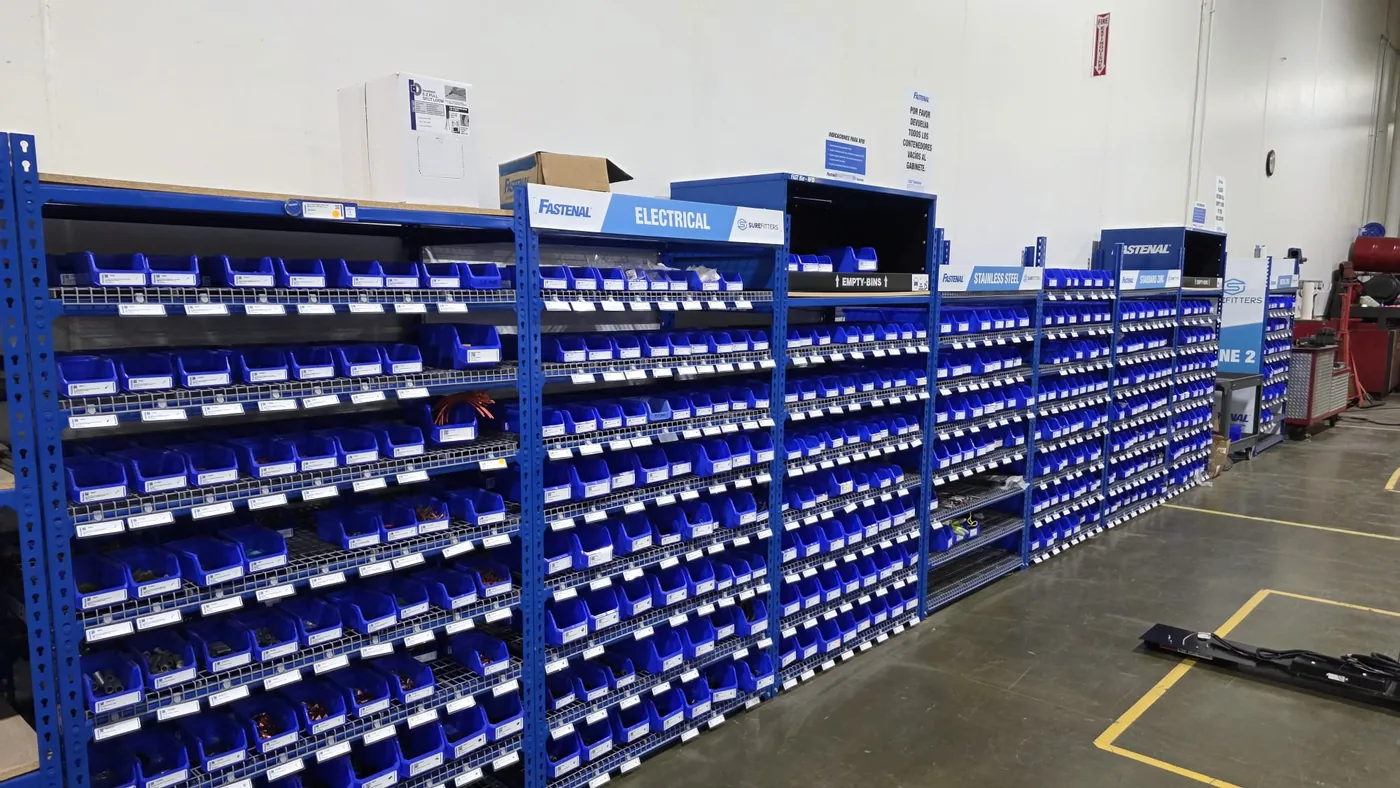
One shared min/max rule almost never works across all industrial SKUs. Consumables, hydraulic fittings, downtime spares, project-specific items, and high-value tools move differently and create different kinds of risk.
| SKU Group | Threshold Logic | Main Risk if Set Wrong |
|---|---|---|
| High-usage consumables | Higher minimum to cover fast movement | Alert comes too late and stock drains before refill |
| Downtime-critical parts | Conservative minimum even if usage is low | Single stockout delays maintenance or production |
| High-value tools or parts | Lower maximum with stronger accountability | Too much cash tied up in rarely used stock |
| Slow-moving emergency items | Smaller max but never zero if risk is serious | Cabinet space wasted or no emergency coverage |
| Project or contractor stock | Threshold linked to temporary workload | Old stock remains after project demand ends |
For example, a hydraulic fitting used three times per week may still need a higher minimum than a fastener used every day if the fitting causes long downtime and is hard to source locally. Good threshold planning always blends movement and consequence.
Example Min/Max Logic by Scenario
Industrial buyers often want a practical reference point, so the table below shows how threshold logic changes by deployment model.
| Scenario | Example SKU | Minimum Logic | Maximum Logic |
|---|---|---|---|
| Factory MRO cabinet | Gloves, blades, filters | Cover one refill cycle plus safety buffer | Enough for expected weekly use without dead stock |
| Remote mining site | Hydraulic fittings, relays, seal kits | Cover delayed access and downtime risk | Higher than average if freight is difficult |
| Supplier-managed route stock | PPE, repair consumables | Trigger before next route stop is missed | Refill to route quantity, not just cabinet full volume |
| Tool locker | Torque tools, gauges | Low minimum because each unit is high value | Only enough to match real site tool demand |
These examples are not fixed formulas. They are decision patterns. Buyers should always validate the final numbers against site behavior and supplier route discipline.
How Supplier-Managed Inventory Changes Min/Max Rules
Supplier-managed inventory changes threshold planning because the refill trigger has to match the supplier’s route, not only the customer’s usage. If the supplier visits each site every Tuesday, the minimum should be set high enough that the stock can survive until that route plus any realistic delay.
This is especially important when one supplier manages multiple customer branches. A threshold that looks safe at one location may fail at another if that branch has different access hours, slower consumption logging, or more emergency usage.
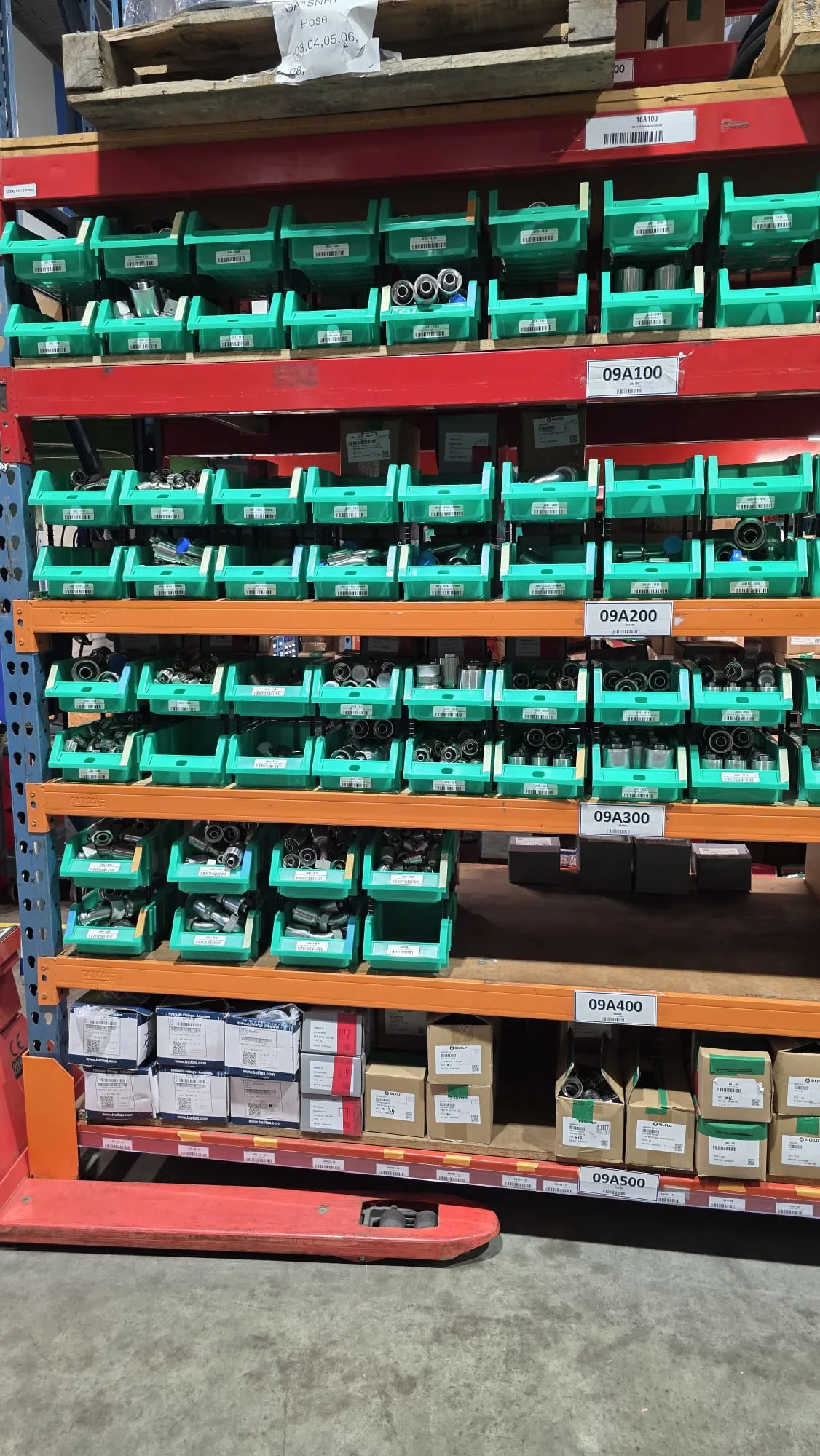
For supplier-managed programs, the best practice is to review three numbers together: minimum alert point, route coverage days, and refill quantity per visit. If these are not aligned, the dashboard may look active while stockouts still happen in the field.
Once the first site is stable, the next challenge is standardizing min/max rules across multiple industrial sites. Buyers should keep the same threshold logic but still allow branch-level calibration where route timing and downtime exposure differ.
How to Review Min/Max After Pilot Launch
The first min/max settings should be treated as a starting model, not a final truth. Most pilots need adjustment after real usage data is collected. A good first review window is 30 to 60 days, followed by a second review near 90 days.
| Review Signal | What It Suggests | Adjustment Direction |
|---|---|---|
| Repeated stockouts before refill arrives | Minimum too low or route too slow | Raise minimum or speed refill |
| Frequent stale stock at month end | Maximum too high | Lower maximum or remove SKU |
| Too many alerts for low-value items | Threshold too sensitive | Lower minimum or adjust alert grouping |
| Critical items almost empty every cycle | Buffer is too small | Increase minimum and review pack size |
Min/max review should be a joint exercise between buyer and supplier. The dashboard data matters, but so do site comments. If technicians say they avoid using the machine because certain items are always nearly empty, the threshold rule is already damaging adoption.
Min/Max Planning Worksheet
This worksheet is the micro-conversion asset for the page. Buyers can use it before RFQ or before expanding a pilot to multiple sites.
| Worksheet Item | What to Record | Why It Matters |
|---|---|---|
| SKU name and part number | Exact stock item | Prevents threshold confusion later |
| Average weekly usage | Units issued per week | Base for buffer calculation |
| Criticality rating | Low, medium, high downtime impact | Determines how conservative minimum should be |
| Refill lead time | Internal or supplier refill speed | Defines how much stock must remain after alert |
| Pack size | How the item is physically replenished | Shapes practical maximum |
| Planned minimum | Alert trigger point | Controls when action begins |
| Planned maximum | Normal refill target | Prevents dead stock and wasted space |
| Review date | 30, 60, or 90 day check | Keeps pilot tuning disciplined |
Common Mistakes
The first mistake is setting minimums by guesswork and never reviewing them. The second is treating cabinet capacity as the same thing as the maximum level. Just because a bin can hold 40 units does not mean it should always be filled to 40.
The third mistake is ignoring supplier route logic. In managed inventory, the threshold must fit when someone can actually refill the stock, not just when the software sends an email. The fourth mistake is using identical threshold logic across all SKUs even when risk, usage, and pack quantity are completely different.
The fifth mistake is forgetting branch variation. A multi-site program should not blindly copy one site’s thresholds to all other locations without checking demand pattern, shift schedule, and refill discipline.
Related OBOvending Industrial Inventory Resources
- Industrial Smart Locker Inventory Assessment Checklist
- Smart Locker Replenishment Workflow for MRO Suppliers
- Cloud Inventory Software for Industrial Vending Machines
- How Industrial Vending Machines Reduce Stockouts and Inventory Loss
- Industrial Vending Machine for Hydraulic Fittings: Supplier Selection Guide
- Industrial Vending Machine ROI: How to Calculate Payback
- Remote Warehouse Automation for Industrial Spare Parts
- Spanish version: ¿Cómo deben definir los compradores niveles min/max de reposición en vending industrial y smart lockers?
FAQ
What are min/max replenishment levels in industrial vending?
They are stock thresholds that tell the system when to trigger refill and how much inventory should normally be held onsite after replenishment.
Why is setting min/max correctly important?
If the minimum is too low, critical parts may run out before refill arrives. If the maximum is too high, cash and cabinet capacity are tied up in slow-moving inventory.
Should every SKU use the same rule?
No. Fast-moving consumables, downtime-critical parts, and high-value items need different threshold logic.
When should thresholds be adjusted after launch?
Most pilots should review them after 30 to 60 days and again near 90 days using both dashboard data and site feedback.
Can suppliers use the same worksheet?
Yes. It works for both customer-owned stock programs and supplier-managed inventory models.
 Privacy respected. No spam. Ever.